PIXEL
HUB
Your music, in 4,096 points of light. A 64×64 LED panel that shows what's playing on Spotify or Sonos, then becomes a clock, weather station, calendar or photo frame when the music stops.
NOW PLAYING
Album art, synced lyrics, a big countdown of the time left, or 16 dancing VU bars.
WHEN IT STOPS
A clock with the weather, your next meeting, a favourite photo, or simply off.
NO APP NEEDED
Set everything from a browser at pixelhub.local, with a live preview of the panel.
> ABOUT
PixelHub started life as SpotifyMatrix: an ESP32 and a 64×64 LED matrix that showed the album art of whatever I was playing. It grew. It now sits on my shelf as a finished little display for music, time and the day ahead, and it has its own website.
Four ways to see a song
While music plays, the panel shows one of four modes. Switch any time from your phone.
- Artwork: the album cover, pixel for pixel.
- Lyrics: words scrolled in time with the song.
- Countdown: the time left in big digits over the dimmed cover. Radio gets a LIVE badge.
- VU bars: 16 rainbow bars dancing to the music.
Follows the music you already play
Sonos: press Find speakers, choose a room, and PixelHub follows whatever plays there, including Apple Music, Amazon Music, radio and the TV. No accounts to connect.
Spotify: connect your own free Spotify app and the panel follows what you play on any device signed in to your account.
When the music stops
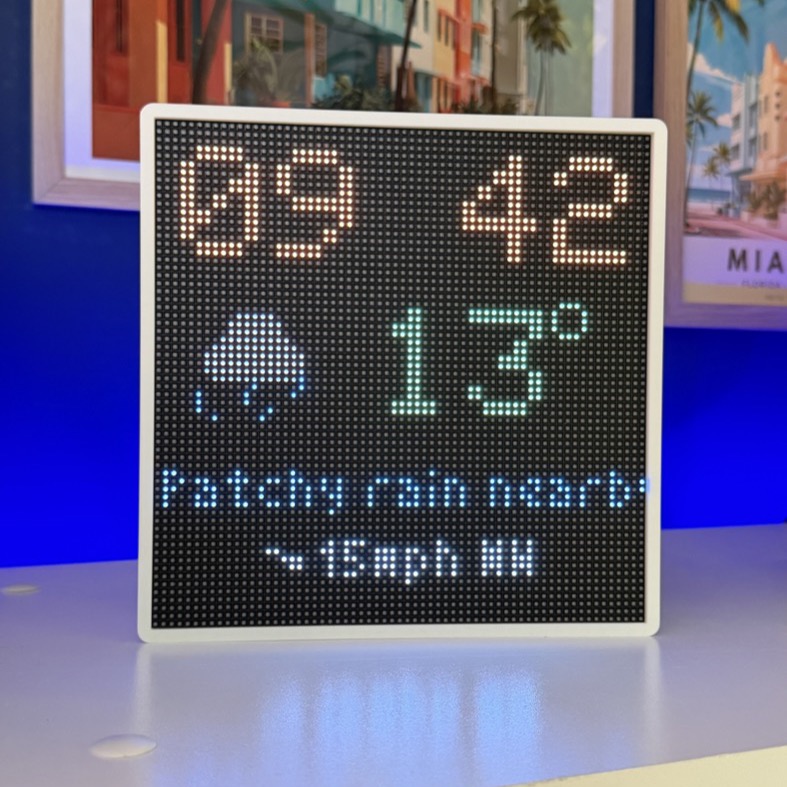
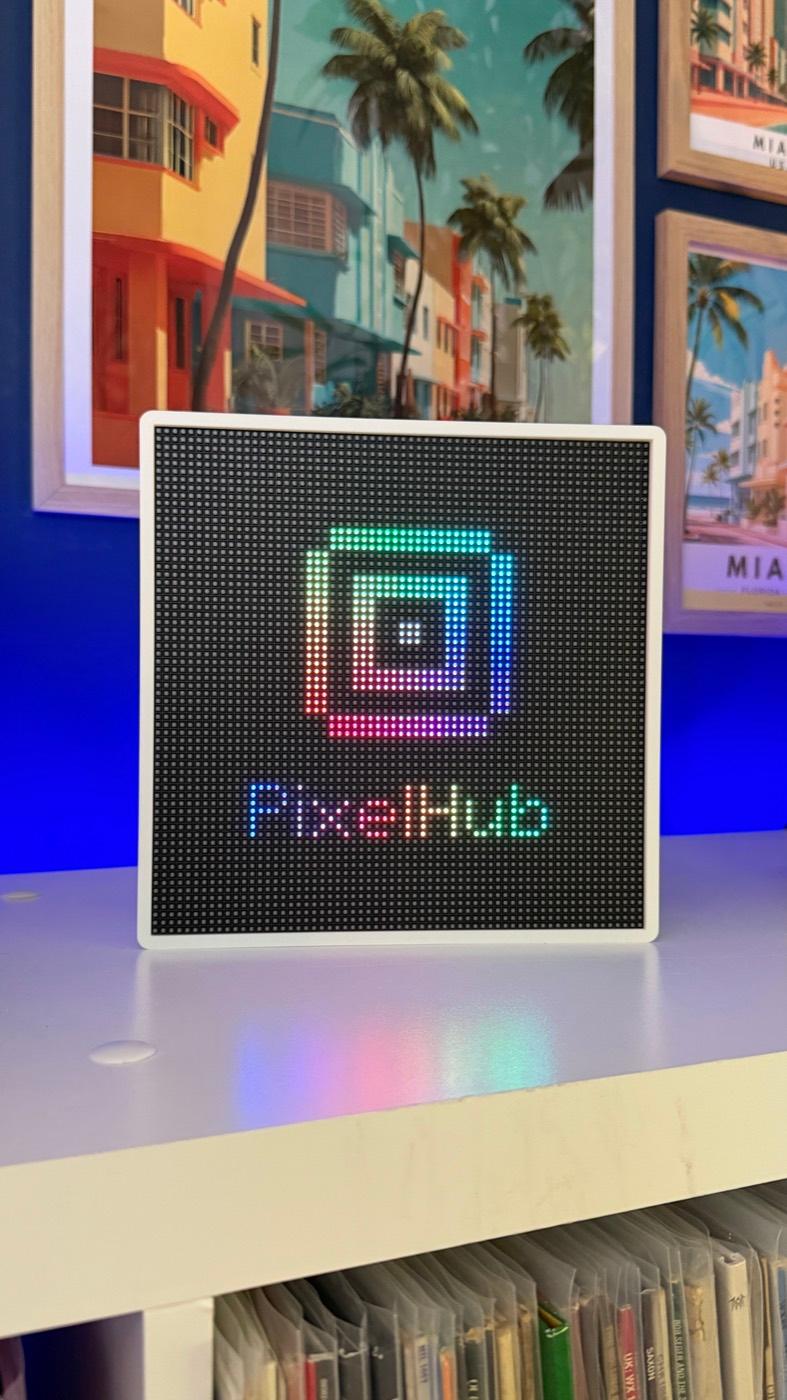
Six idle screens: the PixelHub logo, a big clock, the clock with the weather, the clock with your next calendar event, your own photo, or blank. The weather comes from Open-Meteo with no account needed, and the clock knows 25 time zones, daylight saving included.
Plugged in to playing in four steps
- Plug it in and join its setup WiFi, then pick your home network.
- Set the password that protects the dashboard.
- Choose a Sonos room, or add your Spotify app details.
- Press play.
Everything else (brightness, rotation, colour schemes and firmware updates over WiFi) lives in the dashboard at pixelhub.local.
SPECS
- PANEL
- 64×64 round RGB LEDs
- SOURCES
- Spotify · Sonos
- MUSIC MODES
- 4
- IDLE SCREENS
- 6
- TIME ZONES
- 25
- APPS TO INSTALL
- 0
- STATUS
- Coming soon